

CloneManager®:
Seamless System Migration​ Software

Simplifying system migration for service providers & integrators

Offer System Migration as-a-Service for your customers with CloneManager System Migration.

Overview

CloneManager System Migration simplifies cloud onboarding and all migration tasks for service providers & integrators

Cristie’s CloneManager® ensures efficient and cost-effective migrations across virtual, physical, and cloud environments, with pre-cutover testing, broad platform support, flexible performance, and simplified processes for Managed Service Providers.

Ready for true enterprise resilience? Start your free Cristie trial.

Features

Key features

System migration images can continue to receive periodic synchronizations prior to the point of cutover. Licensing is based on successful migrations and linked to the system IP/MAC addresses, this means that multiple migrations can be performed between the source and target system during the license period.
Following the initial migration, the Cristie Virtual Appliance (VA) provides the ability to start a test Virtual Machine Instance allowing the user to verify the system clone without interrupting the original migration image.
CloneManager® can manage system migration in any direction between physical, virtual and cloud targets. It is vital for MSPs to be able to offer cloud-to-cloud migration services for their customers without unnecessary complexity. Native compatibility is provided for Azure, Oracle Cloud Infrastructure and S3 based public cloud services including support for on premises based S3 implementations.

Benefits of CloneManager System Migration

  • Ensure migrations are functional before cutover​

    Migrations can be tested using a Virtual Machine Instance ahead of cutover, without interrupting periodic synchronization​

  • Fast performance and disk sizing flexibility​

    With support for both file and block based migration, CloneManager provides flexibility for target system disk sizing and replication performance​

  • Migrate directly to Virtual Disk Image Files​

    Clone directly to a target disk image file instead of a running virtual or physical machine, saving you the time and cost of maintaining a running target system​

  • Licensed per successful migration​

    Migrations are matched based on IP/MAC address combinations and can be rerun multiple times within the license period​

  • Broad platform support​

    Support for all major Cloud and Virtual compute platforms such as Amazon Web Services S3, Azure, Oracle Cloud Infrastructure & migration direct to VMware Datastores​

How CloneManager Migration works

Learn more about CloneManager System Migration.

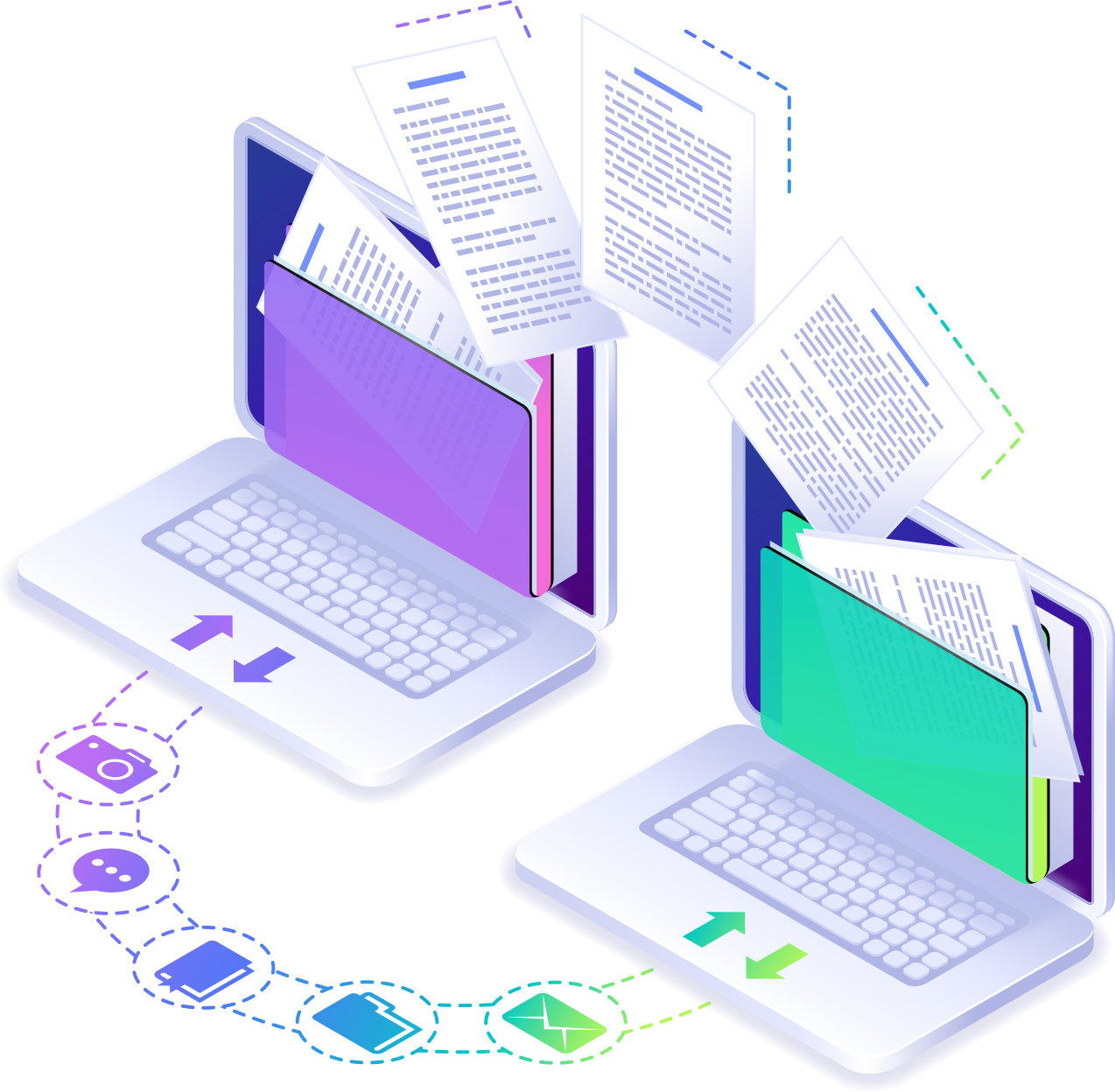
Cristie’s CloneManager® Replication Software ensures efficient migrations for virtual, physical, and cloud environments. Test migrations with a Virtual Machine Instance before cutover without interrupting syncs. Migrate directly to disk image files to save time and costs, with support for AWS S3, Azure, Oracle Cloud, and VMware Datastores. 

https://www.cristie.com/wp-content/uploads/2024/06/clonemanager.png

CloneManager® offers flexible performance with file and block-based migration, and cost-effective licensing per successful migration. Ideal for MSPs, it simplifies migrations between any targets, with periodic syncs to keep data updated. Post-migration, verify system clones in a sandbox environment.

Optimize your migration strategy with Cristie’s CloneManager® for a smooth, reliable transition.

Key Feature Video Walkthoughs

Video walkthroughs

Multi-tenant support provided within the Cristie Virtual Appliance (VA)

Multi tenancy support is provided within the VA to ensure that departments or company divisions can have a dedicated secure replication environment that is ringfenced if required. In the case of S3 storage each client can also be provided with unique Access and Secret keys to their individual S3 object storage locations.
https://www.cristie.com/wp-content/uploads/2024/06/clonemanager_multi_tenenacy.png

CloneManager Migration requires one license per system it protects and includes 12 month free support & maintenance. Find out more about our pricing here

The Cristie Software Blog

Why Backup Alone Is Not Enough for Ransomware Recovery | Cristie Software

Why Backup Alone Is Not Enough for Ransomware Recovery

Backup protects data, but it does not guarantee recovery after a ransomware attack. Modern threats often target operating systems, infrastructure, and backup environments themselves. This article explains why organizations must go beyond backup and implement automated system recovery, cleanroom recovery environments, and cyber-resilient disaster recovery strategies.

Read More »
What Is Cyber Resilience? A Practical Guide for Enterprise IT Leaders | Cristie Software

What Is Cyber Resilience? A Practical Guide for Enterprise IT Leaders

Cyber resilience goes beyond traditional cybersecurity. It ensures organizations can withstand cyberattacks, recover infrastructure quickly, and maintain business operations. This guide explains how enterprise IT leaders can build a cyber resilience strategy using automated system recovery, cleanroom recovery environments, and continuous recovery assurance to minimize downtime and protect critical systems.

Read More »
Application-based access control | How to Protect Windows Files and Registry Keys with FSBlocker from Cristie Software

How to Protect Files, Folders, and the Windows Registry with Kernel-Level Access Control

FSBlocker introduces kernel-level application-based file access control designed to protect critical data from ransomware and unauthorized modification. By intercepting file system calls and enforcing configurable policies, it prevents malicious encryption attempts and safeguards backup repositories, helping organizations strengthen cyber resilience and ensure the integrity of their recovery infrastructure.

Read More »
Press release: Cristie Software announces FSBlocker, a kernel-level driver for application-based access control of critical data.

Cristie Software announces FSBlocker application-based file access control.

# ## News: Cristie Software announces FSBlocker, a kernel-level driver for application-based access control of critical data.

Cristie Software has launched FSBlocker, a kernel-level driver providing application-based access control for Windows systems. It prevents unauthorized modification or deletion of critical data, including backup stores. The utility intercepts file system calls to block malicious encryption attempts, offering a robust defense against ransomware.

Read More »

Contact the Cristie Software team for more information

Whatever your replication and data recovery needs, we are here to help.

https://www.cristie.com/wp-content/uploads/2022/09/thub-logo1.png

Contact Us

https://www.cristie.com/wp-content/uploads/2022/09/thub-logo1.png

Thank you for contacting us. We have received your request.

https://www.cristie.com/wp-content/uploads/2019/06/gdpr_130px.png
Privacy Overview

This website uses cookies so that we can provide you with the best user experience possible. Cookie information is stored in your browser and performs functions such as recognising you when you return to our website and helping our team to understand which sections of the website you find most interesting and useful.