



Continuous Recovery Assurance

Continuous Recovery Assurance provides automated cleanroom recovery verification for Cohesity DataProtect, Rubrik Security Cloud, IBM Storage Protect and Dell Technologies backups.

Cristie Software Continuous Recovery Assurance

Continuous Recovery Assurance Overview

Ensure your backups are recoverable without intervention.

Automated recovery verification.

Automatically verify recovery of complete systems after each successful backup.

Clean room recovery for isolated testing.

Verify system recovery in isolation from production systems and networks network.

Support for Windows & Linux systems

Integrated KVM provides recovery verification for both Windows and Linux systems without additional hardware.

Continuous Recovery Assurance

What is Continuous Recovery Assurance?

Continuous Recovery Assurance performs an automated full system recovery verification every time a new backup job is completed for a protected system. The recovery is performed within a clean room environment on the Cristie Virtual Appliance (VA) server. Continuous Recovery Assurance confirms backup integrity and ensures that the operating system can boot successfully.

Cleanroom Recovery

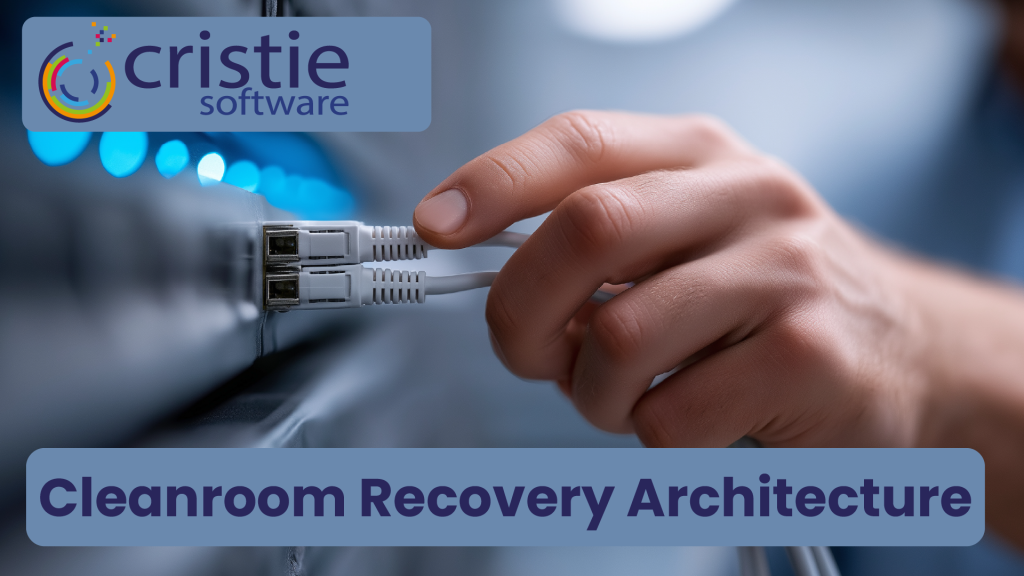
Cleanroom Recovery for backup verification in isolation of production systems and networks

With the prevalence of cyberattacks and malware reaching system backups, it is important to recover systems within a clean room environment for verification. This allows for backup integrity testing and cyber forensic analysis in isolation from production networks and systems to ensure that malware cannot spread further.

Physical System Recovery

Automated Physical System Recovery

Continuous Recovery Assurance can automate the recovery verification of physical systems with the option of -pre and -post boot scripts to orchestrate additional disaster recovery processes. Virtual and cloud based systems are supported also.

The Cristie Software Blog

Why Backup Alone Is Not Enough for Ransomware Recovery | Cristie Software

Why Backup Alone Is Not Enough for Ransomware Recovery

Backup protects data, but it does not guarantee recovery after a ransomware attack. Modern threats often target operating systems, infrastructure, and backup environments themselves. This article explains why organizations must go beyond backup and implement automated system recovery, cleanroom recovery environments, and cyber-resilient disaster recovery strategies.

Read More »
What Is Cyber Resilience? A Practical Guide for Enterprise IT Leaders | Cristie Software

What Is Cyber Resilience? A Practical Guide for Enterprise IT Leaders

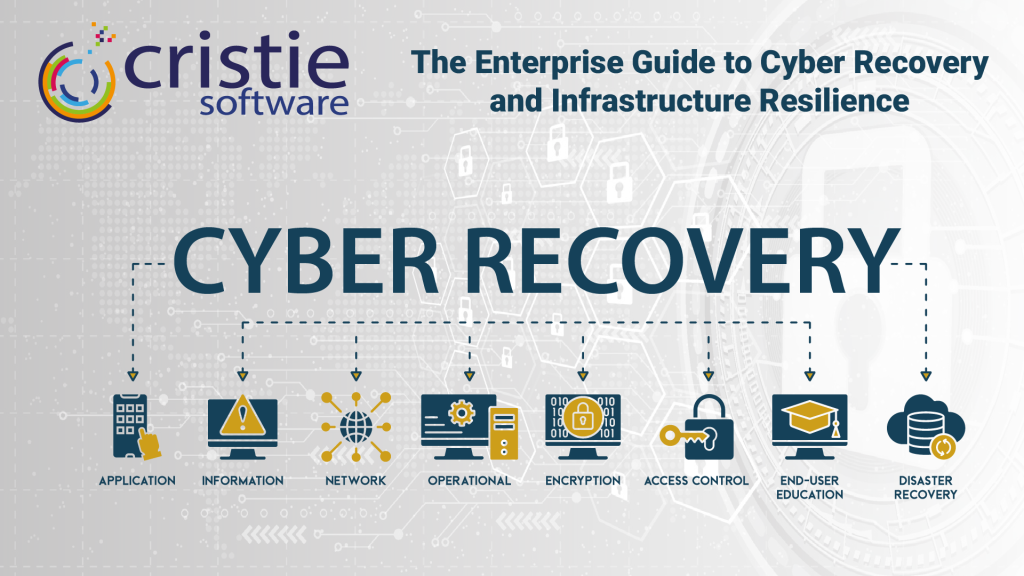
Cyber resilience goes beyond traditional cybersecurity. It ensures organizations can withstand cyberattacks, recover infrastructure quickly, and maintain business operations. This guide explains how enterprise IT leaders can build a cyber resilience strategy using automated system recovery, cleanroom recovery environments, and continuous recovery assurance to minimize downtime and protect critical systems.

Read More »
Application-based access control | How to Protect Windows Files and Registry Keys with FSBlocker from Cristie Software

How to Protect Files, Folders, and the Windows Registry with Kernel-Level Access Control

FSBlocker introduces kernel-level application-based file access control designed to protect critical data from ransomware and unauthorized modification. By intercepting file system calls and enforcing configurable policies, it prevents malicious encryption attempts and safeguards backup repositories, helping organizations strengthen cyber resilience and ensure the integrity of their recovery infrastructure.

Read More »
Press release: Cristie Software announces FSBlocker, a kernel-level driver for application-based access control of critical data.

Cristie Software announces FSBlocker application-based file access control.

# ## News: Cristie Software announces FSBlocker, a kernel-level driver for application-based access control of critical data.

Cristie Software has launched FSBlocker, a kernel-level driver providing application-based access control for Windows systems. It prevents unauthorized modification or deletion of critical data, including backup stores. The utility intercepts file system calls to block malicious encryption attempts, offering a robust defense against ransomware.

Read More »

Contact the Cristie Software team for more information

Whatever your replication and data recovery needs, we are here to help.

https://www.cristie.com/wp-content/uploads/2022/09/thub-logo1.png

Contact Us

https://www.cristie.com/wp-content/uploads/2022/09/thub-logo1.png

Thank you for contacting us. We have received your request.

https://www.cristie.com/wp-content/uploads/2019/06/gdpr_130px.png
Privacy Overview

This website uses cookies so that we can provide you with the best user experience possible. Cookie information is stored in your browser and performs functions such as recognising you when you return to our website and helping our team to understand which sections of the website you find most interesting and useful.