Struggling to recover NetWorker systems quickly and reliably?
Manual rebuilds are slow, complex and difficult to scale, especially during a ransomware event or major outage.
Cristie System Recovery for Networker simplifies the automated recovery of multiple systems. Powerful features remove complexity and manual intervention from your recovery workflow. Recovery simulations can be scheduled to ensure your disaster recovery plan will work when you need it most.
Recover NetWorker systems faster without manual rebuilds.
NBMR is re-sold globally by Dell and its channel partners as a recommended recovery solution and is available for both perpetual and subscription based licensing.
NBMR provides DR automation and orchestration capabilities plus the ability to recover systems within a sandbox environment to validate recovery processes and RTO objectives.
System DR process audits are a core component of many industry compliance directives. Our DR orchestration tools enable the automation of NBMR recovery simulation reports to simplify your regulatory compliance procedures.
Adding NBMR to your Networker environment allows recovery of operating systems, applications, user configuration and data to any point in time available in your Networker backup software. With our enhanced testing you can simulate system recovery with DR automation to verify that your recovery procedures will work when you need them most, and all without having to rely on manual intervention.
With our unique dissimilar environment technology, you can recover to any physical, virtual or cloud target with automatic boot critical driver insertion. NBMR extends Networker backups so that operating systems, applications, user configurations and data can be recovered to any point in time provided.
Recover entire workloads including OS configuration, applications, data and user information. With automation you can recover multiple systems from a single interface. NBMR can recover systems from Windows, Linux, VMware, Hyper-V and cloud platforms such as Azure, OCI and Amazon EC2.
Step 1: Install NBMR without extra infrastructure Deploy NBMR into your Dell NetWorker backup environment without the need for additional infrastructure, or manage recovery operations through the Cristie Virtual Appliance.
Step 2: Select a recovery point from NetWorker Choose the backup point you want to restore from, including the system, applications, user profiles and data available in your Dell backup software.
Step 3: Recover, test and report automatically Recover the full system to your chosen target environment, then use recovery simulation and reporting to support DR testing and compliance validation.
NetWorker bare metal recovery is the process of restoring a complete system from Dell NetWorker backups, including the operating system, applications, configuration, user profiles and data. Cristie NBMR extends NetWorker backups so teams can recover full systems without rebuilding servers manually.
How quickly can I recover a system with NBMR?
Recovery time depends on the size of the system, backup location, network performance and target environment. NBMR helps speed up recovery by automating the recovery workflow and reducing manual rebuild and reconfiguration steps.
Does NBMR require additional hardware?
No. NBMR can be installed without the need for additional infrastructure. Recovery operations can also be configured and controlled through the Cristie Virtual Appliance if you want centralised management and automation.
Can I test recovery without impacting production?
Yes. NBMR supports recovery simulations and sandbox testing, so teams can validate recovery procedures without disrupting production systems.
Contact the Cristie Software team for more information
Whatever your replication and data recovery needs, we are here to help.




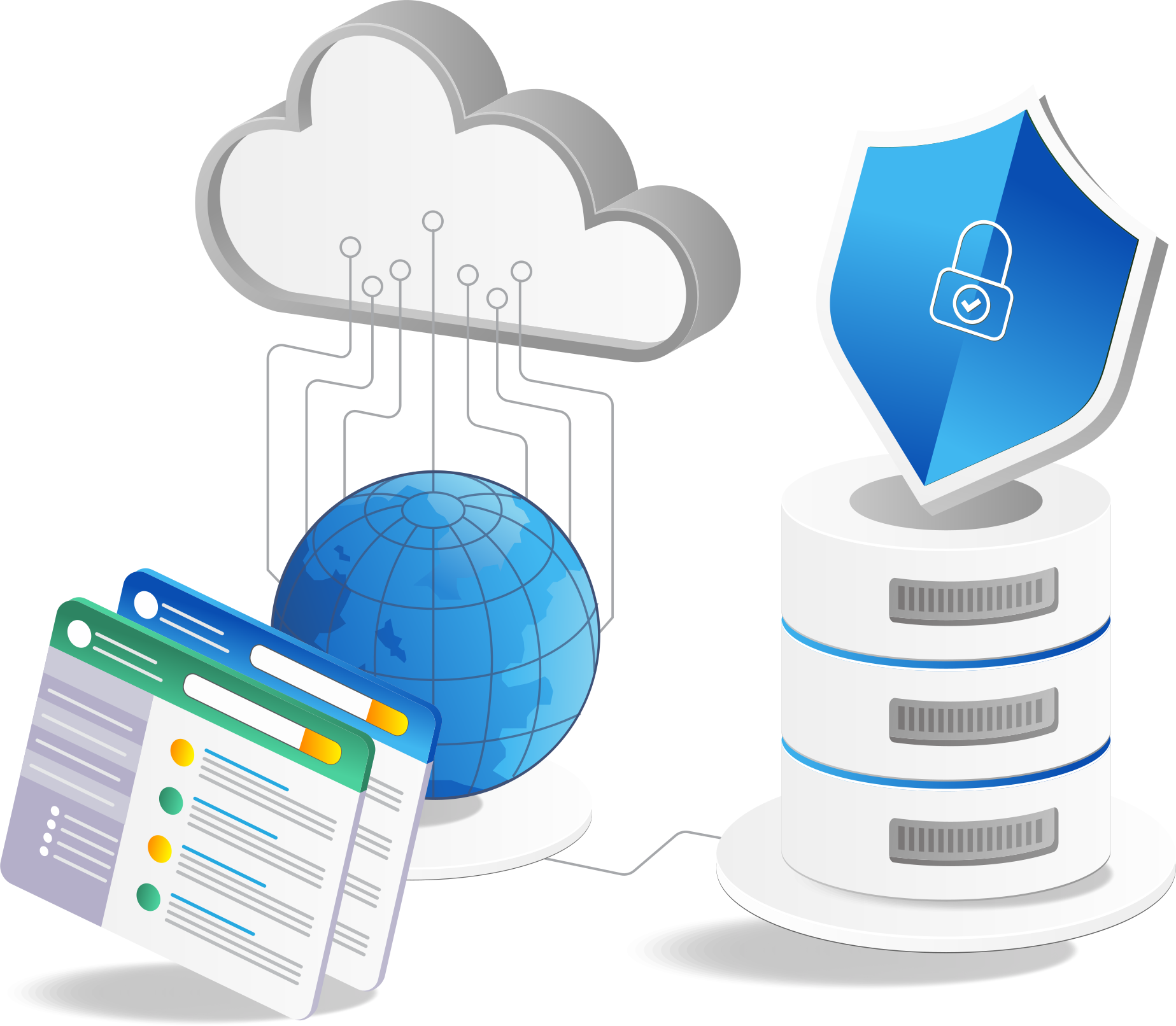
 Full system recovery in minutes