






System Recovery Agent for Dell PowerProtect Data Manager®

Extend Dell PowerProtect Data Manager
with Complete System Recovery

Transform Trusted PowerProtect Backups into Recoverable Windows and Linux Systems

Recover complete Windows and Linux systems using your existing Dell PowerProtect Data Manager backups, with patented Cristie system recovery technology designed to reconstruct operating systems, applications, configuration and data.

Dell PowerProtect Data Manager with Cristie System Recovery Agent (PBMR) combines enterprise data protection with complete system recovery.

Tecnologías Dell

Why Cristie System Recovery Agent (PBMR) for Dell PowerProtect Data Manager?

Dell PowerProtect Data Manager protects critical backup data. By adding Cristie system recovery technology you can:

  • Recover Complete
    Windows & Linux Systems

    Reconstruct operating systems, applications, storage configuration, network settings and protected data using your existing PowerProtect backups.

  • Recover from any available
    PowerProtect Backup

    Choose a PowerProtect backup and reconstruct the system using its captured configuration.. The Automatic Recovery Wizard presents the available Asset Copies for the selected host, excluding any failed backups.

  • Improve Recovery Readiness

    Combine PBMR with Cristie Recovery Hub to centralise recovery operations, automate recovery workflows and regularly validate that protected systems can be recovered.

  • Recover to Alternative Infrastructure

    Restore systems to their original environment or different infrastructure when the original machine is unavailable, with dissimilar hardware recovery supported on both Windows and Linux.

  • Adapt Recovery to the Target Environment

    Adapt storage and network settings to suit the recovery environment. On Linux, customise disk layouts, volume groups, filesystems and network configuration, including IP, DHCP, hostname, gateway and DNS.

Protecting the backup is only one part of resilience. PBMR provides the technology to reconstruct the systems that use it.

Use PBMR independently for Windows and Linux system recovery, or add Cristie Recovery Hub for centralised management, automation and orchestration across more complex environments.

Complete System Recovery
from Dell PowerProtect Data Manager Backups

Your PowerProtect backups preserve critical data. PBMR provides the additional system information and recovery process required to turn that protected data back into an operational machine.

Cristie System Recovery Agent for Dell PowerProtect Data Manager captures recovery-critical system configuration and protects it alongside your regular PowerProtect backups. During disaster recovery, PBMR uses this configuration together with the selected backup to reconstruct the protected Windows or Linux system.

System configuration can be refreshed before subsequent backups, helping ensure changes to protected machines are reflected in the information available for recovery.

Dell PowerProtect protects your backup data. Cristie PBMR provides the technology to reconstruct the complete system.

Dell PowerProtect Data Manager vs PowerProtect with PBMR and Cristie Recovery Hub

What system recovery capabilities are available when infrastructure needs to be rebuilt?

System Recovery Capability
PowerProtect Data Manager
PowerProtect + PBMR
PowerProtect + PBMR + Recovery Hub
Backup & data Protection
✅
✅
✅
Point-in-time backup recovery
✅
✅
✅
Cristie complete system recovery
➖
✅
✅
Windows bare machine recovery with Cristie
➖
✅
✅
Linux bare machine recovery with Cristie
➖
✅
✅
Cristie system configuration capture
➖
Recovery to alternative infrastructure
➖
✅
✅
Dissimilar hardware recovery
➖
✅
✅
Flexible target storage configuration
➖
✅
✅
Windows driver injection
➖
✅
✅
Windows System State recovery
➖
✅
✅
Windows BIOS / UEFI conversion
➖
✅
✅
Linux UEFI & legacy MBR recovery
➖
✅
✅
Linux Multipath / PowerPath recovery
➖
✅
✅
Linux VLAN & network bonding configuration
➖
✅
✅
Linux post-recovery network configuration
➖
✅
✅
Centralised recovery management
➖
➖
✅
Automated recovery workflows
➖
➖
✅
Multi-system recovery orchestration
➖
➖
✅
Recovery at enterprise scale
➖
➖
✅
Scheduled recovery operations
➖
➖
✅
Garantía de recuperación continua
➖
➖
✅
Detección avanzada de anomalías
➖
➖
✅

Cristie PBMR & Recovery Hub Integration for Dell PowerProtect Data Manager – The Business Impact

  • Reduce Recovery Downtime

    Reconstruct complete Windows and Linux systems through a defined recovery process,
    reducing the manual effort involved in rebuilding operating environments after disruption.

  • Recover onto Available Infrastructure

    Adapt system recovery to replacement or alternative infrastructure when the original recovery target is
    damaged, unavailable or unsuitable.

  • Maximise Your PowerProtect Investment

    Extend your existing Dell PowerProtect environment with complete system recovery using the
    protected backups you already maintain.

  • Simplify Recovery Operations

    Standardise system recovery across Windows and Linux environments, with Cristie Recovery Hub
    adding centralised automation, orchestration and recovery assurance for larger estates.

Cristie System Recovery Agent & Recovery Hub Integration for Dell PowerProtect Data Manager – Frequently Asked Questions

PBMR is Cristie’s patented system recovery technology for Dell PowerProtect Data Manager. It captures recovery-critical system configuration and combines this with protected PowerProtect backup data to reconstruct complete Windows and Linux systems following infrastructure failure, disaster or other disruptive events.

Yes. PBMR uses PowerProtect Data Manager backups as the source for complete system recovery. The required PBMR configuration is included in the backup so it can be retrieved and used to reconstruct the protected machine during recovery.

Yes. Cristie provides PBMR system recovery for supported Windows and 64-bit Linux environments protected by Dell PowerProtect Data Manager. Refer to the Cristie Product Support Matrix for current operating system, filesystem and PowerProtect version compatibility.

Yes. PBMR supports dissimilar hardware recovery, allowing a protected system to be reconstructed when the original hardware is no longer available. Platform-specific recovery processes handle the hardware changes required by Windows or Linux.

Yes. PBMR provides platform-specific options for adapting the recovered machine to its new environment. These include changes to storage layouts and network configuration, helping administrators recover systems when the target infrastructure differs from the original.

Yes. PBMR can be deployed as a standalone system recovery agent using Dell PowerProtect Data Manager backups. Cristie Recovery Hub provides an additional management layer for organisations that require centralised recovery control, automation, multi-system orchestration and recovery assurance.

Yes, when PBMR is combined with Cristie Recovery Hub. Recovery Hub adds automated recovery workflows and Continuous Recovery Assurance, enabling organisations to test and validate recovery readiness on a repeatable basis.

PBMR annual subscription: $400 USD per protected system, per year. Please contact us for our competitive multiple server, industry and reseller discounts.

Turn Your Dell PowerProtect Environment into Complete System Recovery

Protect your data with Dell PowerProtect. Reconstruct complete Windows and Linux systems with Cristie.

El blog de Cristie Software

Cristie Virtual Appliance Release 5.3.1 | Cristie Software

Cristie VA 5.3.1 What’s New

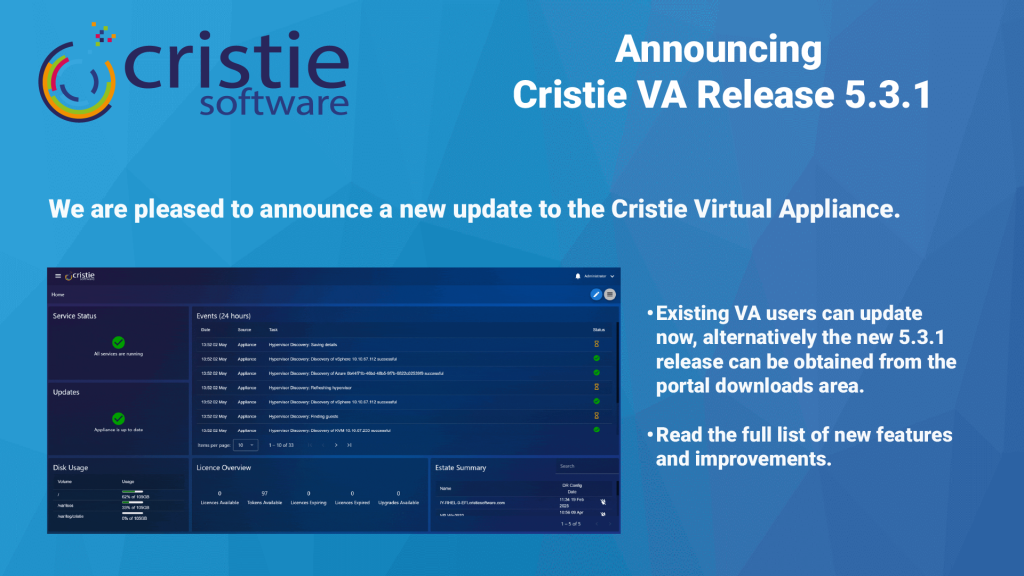
Here’s an update on what’s new for the Cristie Virtual Appliance. The 5.3.1 release includes lots of new functionality including Continuous Recovery Assurance for Rubrik VM snapshots.

Leer Más "
What Is Cleanroom Recovery? Why It’s Essential After Ransomware | Cristie Software

What Is Cleanroom Recovery? Why It’s Essential After Ransomware

Cleanroom recovery is becoming essential in the fight against ransomware. By restoring systems in an isolated environment, organizations can validate integrity, eliminate hidden threats, and prevent reinfection. This approach ensures secure, reliable recovery of infrastructure, helping businesses minimise downtime and strengthen cyber resilience after sophisticated cyberattacks.

Leer Más "
The Enterprise Guide to Cyber Recovery and Infrastructure Resilience | Cristie Software

The Enterprise Guide to Cyber Recovery and Infrastructure Resilience

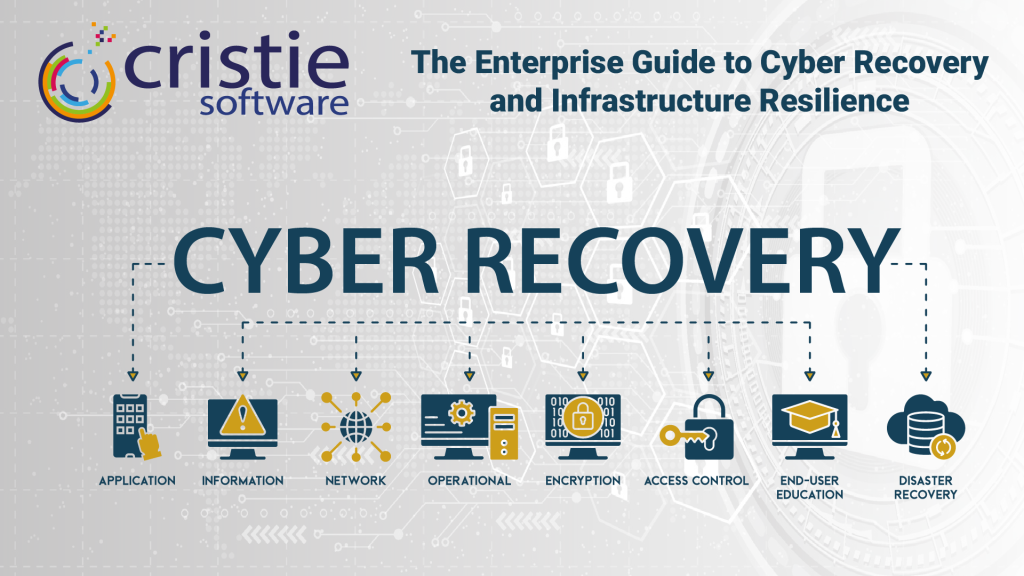
Modern ransomware targets entire infrastructures, not just data. Traditional backups often fail because they don’t restore operating systems or configurations. This guide explores building a cyber-resilient strategy using automated system recovery and cleanroom environments to bridge the gap between backup and full operational restoration, ensuring rapid recovery after a sophisticated attack.

Leer Más "

Si desea más información, póngase en contacto con el equipo de Cristie Software

Sean cuales sean sus necesidades de replicación y recuperación de datos, estamos aquí para ayudarle.

https://www.cristie.com/wp-content/uploads/2022/09/thub-logo1.png

Gracias por ponerse en contacto con nosotros. Hemos recibido su solicitud.

https://www.cristie.com/wp-content/uploads/2022/09/thub-logo1.png

Póngase en contacto con nosotros

https://www.cristie.com/wp-content/uploads/2019/06/gdpr_130px.png
Protección de datos

Este sitio web utiliza cookies para que podamos ofrecerle la mejor experiencia de usuario posible. La información de las cookies se almacena en su navegador y realiza funciones como reconocerle cuando vuelve a nuestro sitio web y ayudar a nuestro equipo a comprender qué secciones del sitio web le resultan más interesantes y útiles.