

Cristie Clean Room Recovery

With our Continuous Recovery Assurance (CRA) technology, MSPs and enterprises can automate non-disruptive testing of recovery points, bringing Clean Room Recovery into everyday DR practices.

Clean Room Recovery Overview

Perform recovery testing in isolation from production systems & networks.

Fully isolated recovery verification.

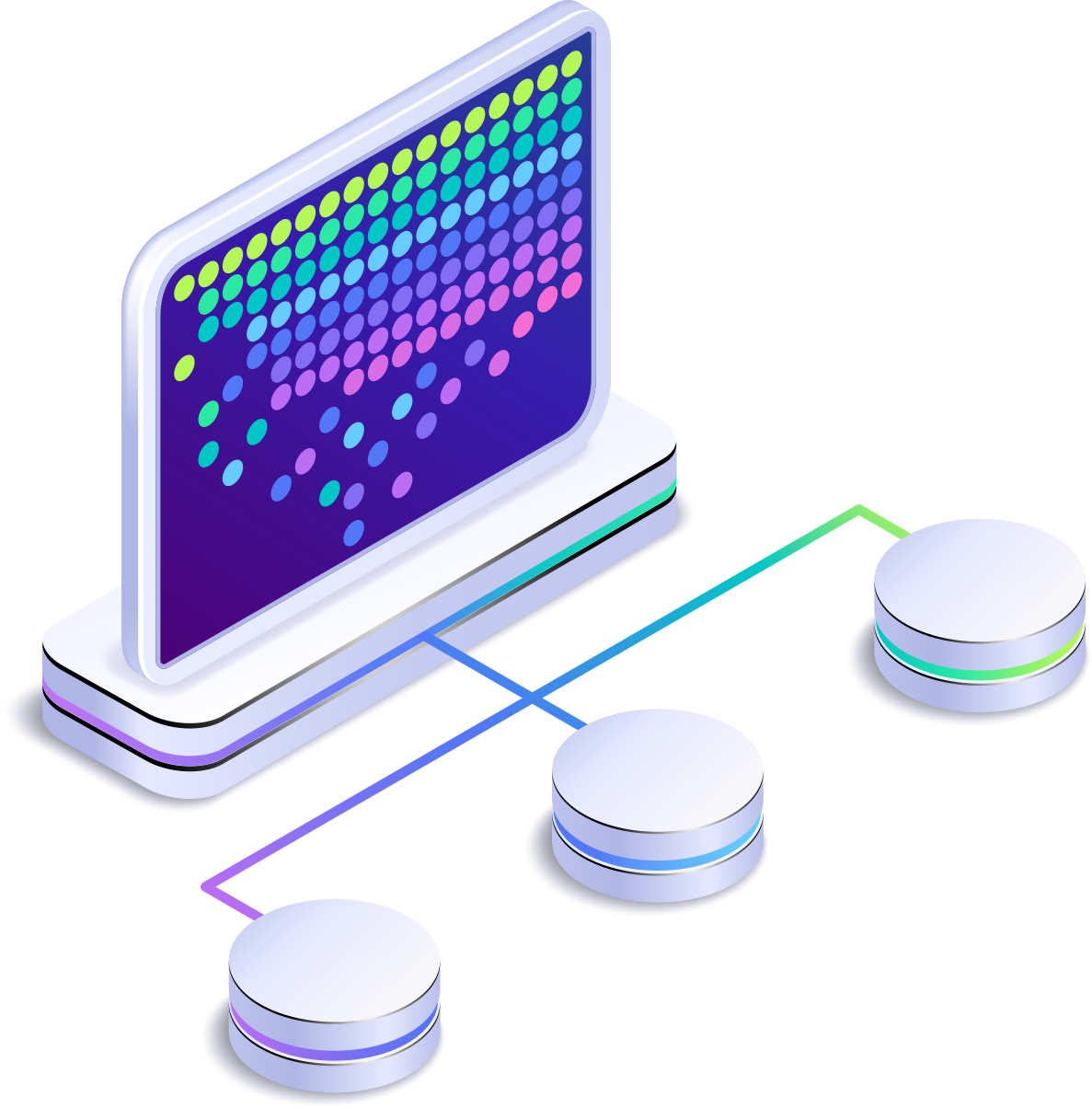
Verify recovery of complete systems in an isolated environment without physical network access.

Automatically release confirmed recoveries or hold for further analysis.

Configure successful recoveries to be deleted automatically after verification, or held within the Cristie Applicance for further testing.

Recover systems concurrently

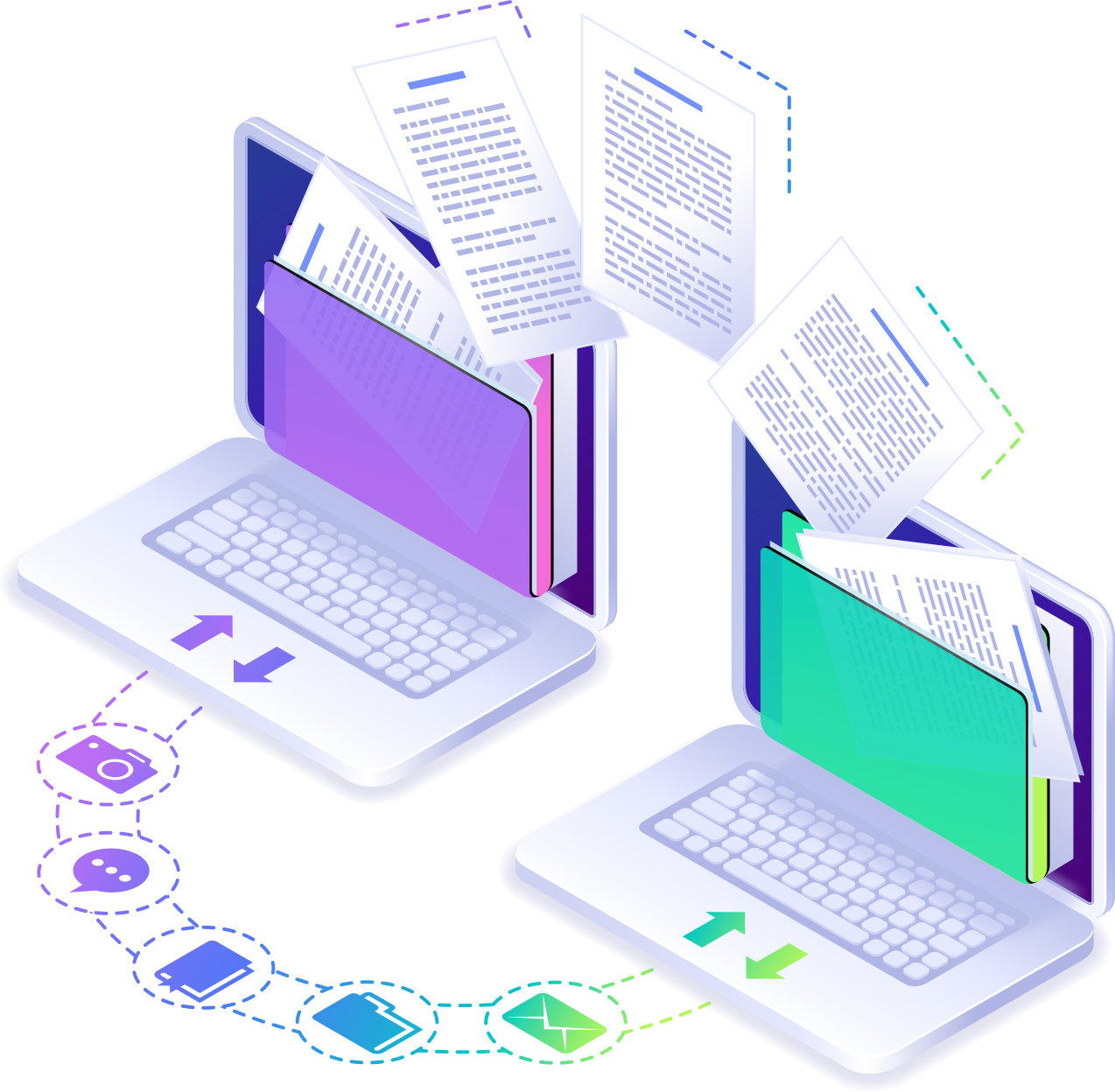
Automate concurrent recovery verifications or manually queue recoveries for priority testing.

지속적인 복구 보장

연속 복구 보증이란 무엇인가요?

Continuous Recovery Assurance triggers an automated full-system recovery verification whenever a protected backup job completes. The recovery runs inside a clean room environment on the Cristie Appliance or an externally configured server, ensuring backup integrity and verifying successful operating system boot.

Clean Room Recovery Benefits

Clean Room Recovery: Backup Verification Without Production Exposure

As cyberattacks increasingly target backup systems, recovering data in a clean room environment is essential for verification. This approach enables isolated integrity testing and forensic analysis, ensuring backups are safe to restore while preventing malware from spreading to production systems. This approach breaks the “reinfection loop” often encountered when systems are recovered from non-verified backups.

Cristie 소프트웨어 블로그

Why Backup Alone Is Not Enough for Ransomware Recovery | Cristie Software

Why Backup Alone Is Not Enough for Ransomware Recovery

Backup protects data, but it does not guarantee recovery after a ransomware attack. Modern threats often target operating systems, infrastructure, and backup environments themselves. This article explains why organizations must go beyond backup and implement automated system recovery, cleanroom recovery environments, and cyber-resilient disaster recovery strategies.

자세히보기"
What Is Cyber Resilience? A Practical Guide for Enterprise IT Leaders | Cristie Software

What Is Cyber Resilience? A Practical Guide for Enterprise IT Leaders

Cyber resilience goes beyond traditional cybersecurity. It ensures organizations can withstand cyberattacks, recover infrastructure quickly, and maintain business operations. This guide explains how enterprise IT leaders can build a cyber resilience strategy using automated system recovery, cleanroom recovery environments, and continuous recovery assurance to minimize downtime and protect critical systems.

자세히보기"
Application-based access control | How to Protect Windows Files and Registry Keys with FSBlocker from Cristie Software

How to Protect Files, Folders, and the Windows Registry with Kernel-Level Access Control

FSBlocker introduces kernel-level application-based file access control designed to protect critical data from ransomware and unauthorized modification. By intercepting file system calls and enforcing configurable policies, it prevents malicious encryption attempts and safeguards backup repositories, helping organizations strengthen cyber resilience and ensure the integrity of their recovery infrastructure.

자세히보기"
Press release: Cristie Software announces FSBlocker, a kernel-level driver for application-based access control of critical data.

Cristie Software announces FSBlocker application-based file access control.

# ## News: Cristie Software announces FSBlocker, a kernel-level driver for application-based access control of critical data.

Cristie Software has launched FSBlocker, a kernel-level driver providing application-based access control for Windows systems. It prevents unauthorized modification or deletion of critical data, including backup stores. The utility intercepts file system calls to block malicious encryption attempts, offering a robust defense against ransomware.

자세히보기"

자세한 내용은 Cristie 소프트웨어 팀에 문의하세요.

복제 및 데이터 복구에 필요한 것이 무엇이든 저희가 도와드리겠습니다.

https://www.cristie.com/wp-content/uploads/2022/09/thub-logo1.png

문의하기

https://www.cristie.com/wp-content/uploads/2022/09/thub-logo1.png

문의해 주셔서 감사합니다. 요청을 받았습니다.

https://www.cristie.com/wp-content/uploads/2019/06/gdpr_130px.png
개인정보 개요

본 웹사이트는 사용자에게 최상의 사용자 경험을 제공하기 위해 쿠키를 사용합니다. 쿠키 정보는 사용자의 브라우저에 저장되며, 사용자가 웹사이트에 다시 방문할 때 사용자를 인식하고 사용자가 가장 흥미롭고 유용한 웹사이트 섹션을 이해하는 데 도움을 주는 등의 기능을 수행합니다.