





System Recovery Agent for Cohesity®

Extend Cohesity DataProtect
with Complete System Recovery

Recover Complete Windows and Linux Systems from Cohesity Backups

Cristie CoBMR adds patented system recovery technology to Cohesity DataProtect, enabling you to rebuild protected systems using existing Cohesity backups together with the system configuration required for recovery.

Recover operating systems, applications, configuration and data onto the original system, replacement hardware or virtual machines, with support for dissimilar hardware recovery where required.

Why Add Cristie CoBMR to Cohesity DataProtect?

Cohesity provides resilient data protection. CoBMR adds the ability to reconstruct the complete system when recovery is required:

Protecting the backup is the foundation. Recovering the workload completes the strategy.

Choose the level of recovery your environment requires. Use CoBMR for dependable machine-level recovery from Cohesity DataProtect, then add Cristie Recovery Hub when recovery needs to become centralised, automated and scalable across the enterprise

From Cohesity Backup
to Complete System Recovery

Protecting data is essential. Restoring the system that uses it is what gets operations moving again.

CoBMR works with your existing Cohesity DataProtect backups to provide a dedicated system recovery process, helping IT teams reconstruct failed workloads without starting with a manual operating system rebuild.

Recovery is more than retrieving data—it is returning the workload to an operational state.

Cohesity DataProtect with CoBMR: Extending the Recovery Capability

What changes when complete system recovery becomes part of your Cohesity strategy?

Recovery Capability
Cohesity DataProtect
Cohesity + CoBMR
Cohesity + CoBMR + Recovery Hub
Backup & data Protection
✅
✅
✅
Point-in-time recovery
✅
✅
✅
Complete system recovery
❌
✅
✅
Windows bare machine recovery
❌
✅
✅
Linux bare machine recovery
❌
✅
✅
Recovery to original or replacement hardware
❌
Recovery to virtual machines
❌
✅
✅
Dissimilar hardware recovery
❌
✅
✅
Automated driver / module handling
❌
✅
✅
Automated system configuration capture
❌
✅
✅
Flexible disk & storage mapping
❌
✅
✅
Post-recovery network configuration
❌
✅
✅
Multi-factor authentication during recovery
✅
✅
✅
Bootable recovery environments
❌
✅
✅
Guided recovery workflow
❌
✅
✅
Recovery logging & diagnostics
❌
✅
✅
Centralised recovery management
❌
❌
✅
Automated recovery workflows
❌
❌
✅
Multi-system recovery orchestration
❌
❌
✅
Recovery at enterprise scale
❌
❌
✅
지속적인 복구 보장
❌
❌
✅

What Complete System Recovery Means for Cohesity Customers

Cristie System Recovery for Cohesity - Frequently Asked Questions

Cristie System Recovery Agent for Cohesity (CoBMR) extends Cohesity DataProtect with complete system recovery capabilities. It enables organisations to recover protected systems from Cohesity backups, including the operating system, applications, configuration and data, rather than relying solely on restoring individual files or data.

CoBMR supports recovery to the original system, replacement hardware, virtual machines and dissimilar hardware. The Windows recovery environment explicitly supports these recovery targets.

Cohesity DataProtect provides the backup and data protection foundation, while CoBMR adds the capability to rebuild complete systems from those protected backups.

CoBMR provides a guided recovery workflow that retrieves the required system configuration, connects to the Cohesity backup and restores the system. It also provides capabilities needed during system recovery, including handling changed hardware, storage and network configuration.

Yes. CoBMR provides dedicated recovery environments for both Windows and Linux systems.

For Windows, recovery is performed through a WinPE-based CoBMR recovery environment. For Linux, CoBMR retrieves the saved system configuration from the selected Cohesity backup and provides recovery options covering hardware, storage, filesystems and network settings.

Yes. CoBMR supports dissimilar hardware recovery, allowing a protected system to be restored when the recovery hardware differs from the original system.

On Windows, CoBMR can detect new hardware and inject required drivers, with additional drivers supplied when necessary. On Linux, CoBMR can identify and load the modules required when recovering to dissimilar hardware.

This provides greater flexibility when the original server is unavailable or unsuitable for recovery.

Yes. CoBMR supports point-in-time recovery, allowing an appropriate protected recovery point to be selected rather than limiting recovery to the most recent backup.

For example, the Linux recovery workflow allows the administrator to select the required Point-in-Time date and time before CoBMR retrieves the saved system configuration from that backup.

This can be particularly useful when the latest system state should not be restored following corruption or another recovery incident.

No. CoBMR can be used as a standalone system recovery solution with Cohesity DataProtect.

Cristie Recovery Hub is an additional layer for organisations that need to manage recovery more broadly across their environment. It adds capabilities such as centralised recovery management, automated recovery workflows, multi-system orchestration and recovery assurance.

This gives organisations the option to begin with CoBMR for individual system recovery and introduce Recovery Hub where greater automation, orchestration and recovery at scale are required.

CoBMR provides recovery logging and diagnostic capabilities that help administrators review and troubleshoot individual recovery operations. The Windows recovery environment, for example, provides detailed recovery logs that can be reviewed, retained and supplied to Cristie Support if required.

For organisations requiring a broader and more repeatable approach to recovery readiness, Cristie Recovery Hub adds Continuous Recovery Assurance, enabling recovery processes to form part of a more automated enterprise recovery strategy.

Turn Cohesity-Protected Data into Recoverable Systems

Extend your Cohesity recovery strategy from restoring data to rebuilding the complete workloads your business depends on.

Cristie 소프트웨어 블로그

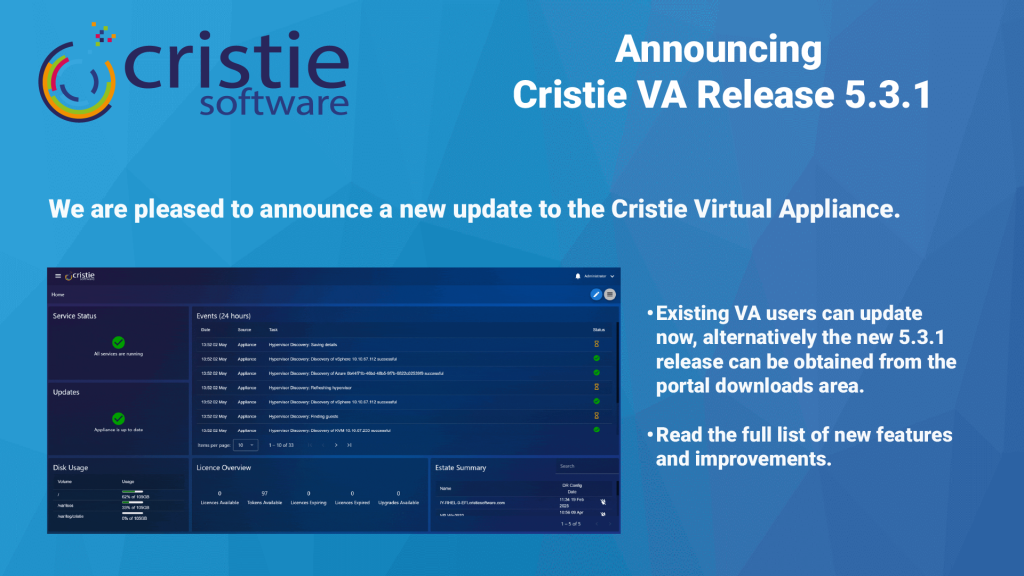
Cristie Virtual Appliance Release 5.3.1 | Cristie Software

Cristie VA 5.3.1 What’s New

Here’s an update on what’s new for the Cristie Virtual Appliance. The 5.3.1 release includes lots of new functionality including Continuous Recovery Assurance for Rubrik VM snapshots.

자세히보기"
What Is Cleanroom Recovery? Why It’s Essential After Ransomware | Cristie Software

What Is Cleanroom Recovery? Why It’s Essential After Ransomware

Cleanroom recovery is becoming essential in the fight against ransomware. By restoring systems in an isolated environment, organizations can validate integrity, eliminate hidden threats, and prevent reinfection. This approach ensures secure, reliable recovery of infrastructure, helping businesses minimise downtime and strengthen cyber resilience after sophisticated cyberattacks.

자세히보기"
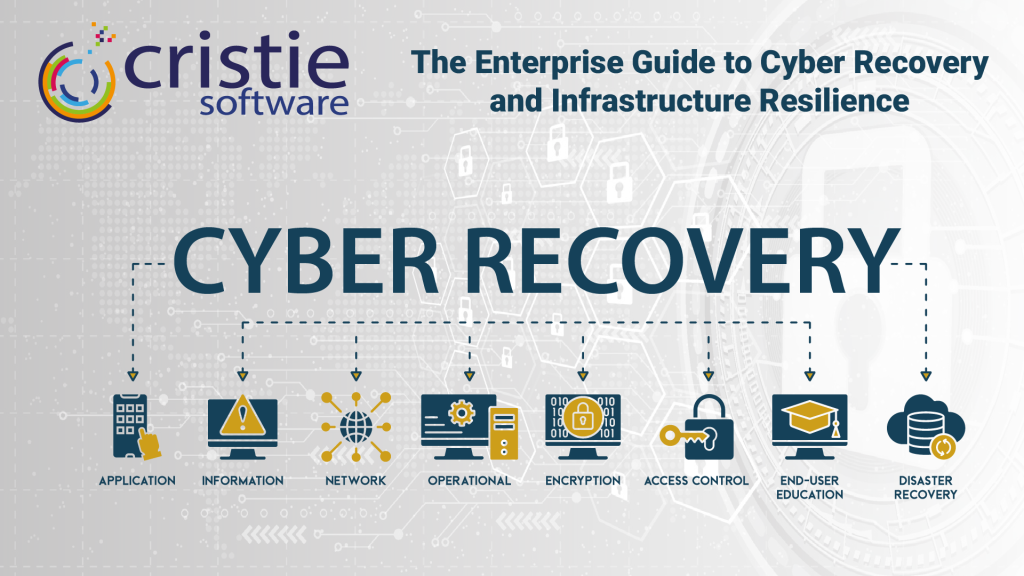
The Enterprise Guide to Cyber Recovery and Infrastructure Resilience | Cristie Software

The Enterprise Guide to Cyber Recovery and Infrastructure Resilience

Modern ransomware targets entire infrastructures, not just data. Traditional backups often fail because they don’t restore operating systems or configurations. This guide explores building a cyber-resilient strategy using automated system recovery and cleanroom environments to bridge the gap between backup and full operational restoration, ensuring rapid recovery after a sophisticated attack.

자세히보기"

자세한 내용은 Cristie 소프트웨어 팀에 문의하세요.

복제 및 데이터 복구에 필요한 것이 무엇이든 저희가 도와드리겠습니다.

https://www.cristie.com/wp-content/uploads/2022/09/thub-logo1.png

문의해 주셔서 감사합니다. 요청을 받았습니다.

https://www.cristie.com/wp-content/uploads/2022/09/thub-logo1.png

문의하기

https://www.cristie.com/wp-content/uploads/2019/06/gdpr_130px.png
개인정보 개요

본 웹사이트는 사용자에게 최상의 사용자 경험을 제공하기 위해 쿠키를 사용합니다. 쿠키 정보는 사용자의 브라우저에 저장되며, 사용자가 웹사이트에 다시 방문할 때 사용자를 인식하고 사용자가 가장 흥미롭고 유용한 웹사이트 섹션을 이해하는 데 도움을 주는 등의 기능을 수행합니다.