
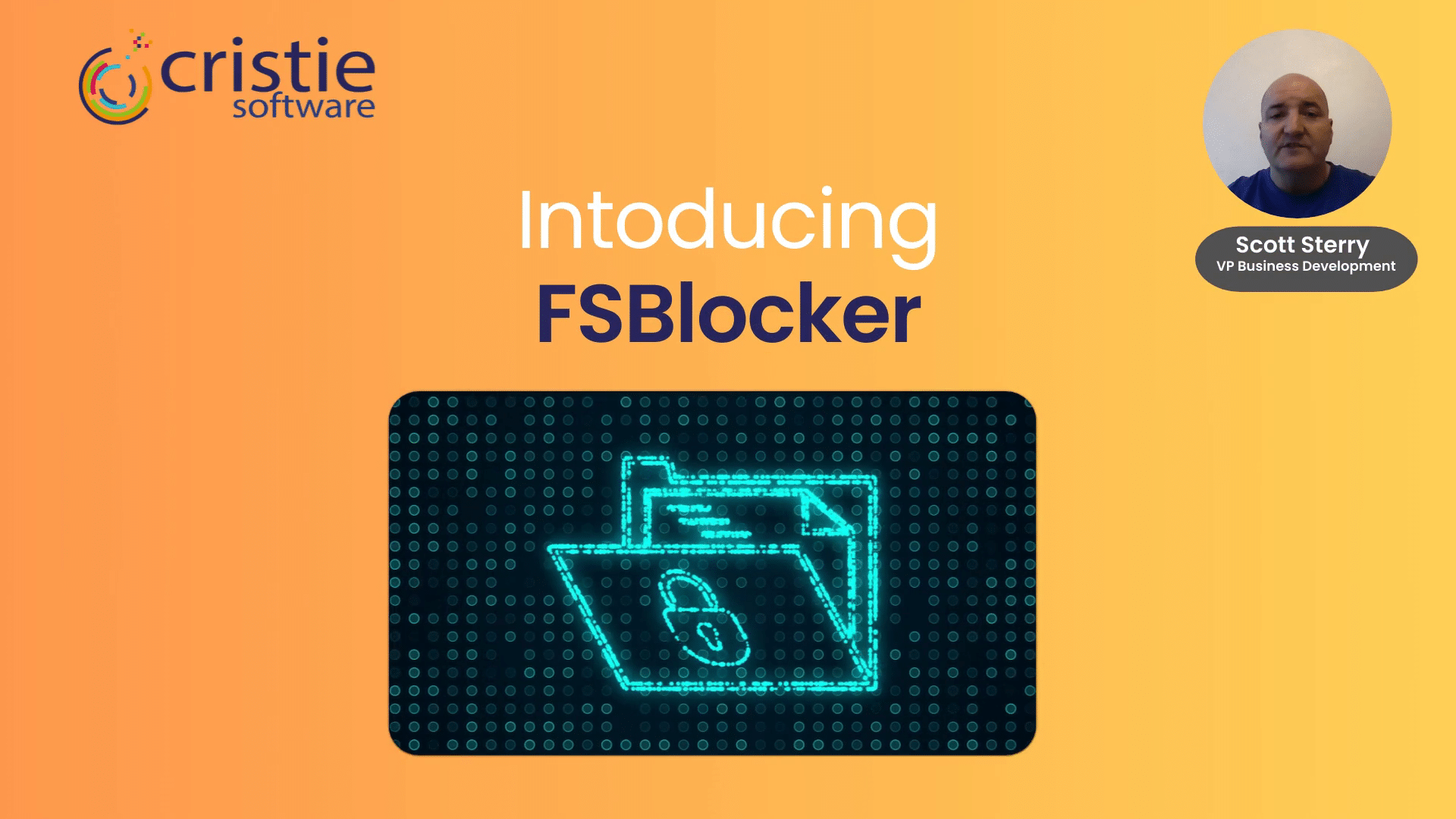




FSBlocker: Secure your data. Control your processes.

FSBlocker is a kernel-level driver for application-based access control of critical data. It can be enabled on specific local or network drives to protect selected files or folders. Access policies define which applications have full access, read-only access, or are blocked entirely. FSBlocker provides essential application-based access control for your critical data.

Cristie Software Continuous Recovery Assurance

FSBlocker Overview

FSBlocker restricts file and folder access to only the applications you specify.

Restrict file access to only the applications needed for creation or editing

For example, limit image file changes to only the approved graphics software in your production workflow.

Prevent accidental file deletion by blocking unauthorized changes

For example, prevent users from modifying or deleting files with Windows Explorer within backup folders.

Automatically maintains file and folder protection after application updates

Eliminates the need to regenerate application signatures as often required by other access control solutions. FSBlocker Signature Lock prevents cyberattacks from using application masquerading.

Access Policy Creation Wizard

Simple Automated Policy Creation

A built-in wizard simplifies policy creation by recording application activity and generating a list of programs that accessed data during normal operations. Users can then assign access levels for each application. FSBlocker creates a unique signature for every approved application, ensuring that only genuine, unmodified instances of selected applications can access protected files. Policies can also be created manually using application names.

FSBlocker Windows Registry Protection

Monitor Windows registry key activity and optionally block any modifications.

Protecting Windows registry changes is important because the registry is a core component of the operating system, and unauthorized or malicious modifications can have serious consequences. FSBlocker has two modes of operation providing registry change monitoring plus the option to block all registry changes.

User Management

OpenID Connect (OIDC) support

FSBlocker supports OIDC allowing users to verify their identity using a single set of credentials (e.g. users can use their corporate Microsoft login authentication).

The Cristie Software Blog

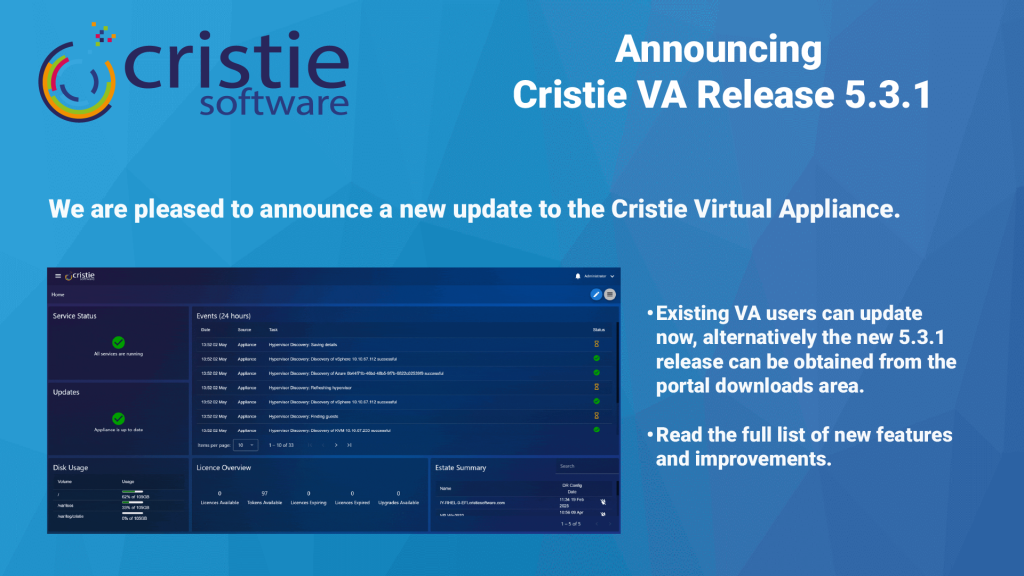
Cristie Virtual Appliance Release 5.3.1 | Cristie Software

Cristie VA 5.3.1 What’s New

Here’s an update on what’s new for the Cristie Virtual Appliance. The 5.3.1 release includes lots of new functionality including Continuous Recovery Assurance for Rubrik VM snapshots.

Read More »
What Is Cleanroom Recovery? Why It’s Essential After Ransomware | Cristie Software

What Is Cleanroom Recovery? Why It’s Essential After Ransomware

Cleanroom recovery is becoming essential in the fight against ransomware. By restoring systems in an isolated environment, organizations can validate integrity, eliminate hidden threats, and prevent reinfection. This approach ensures secure, reliable recovery of infrastructure, helping businesses minimise downtime and strengthen cyber resilience after sophisticated cyberattacks.

Read More »
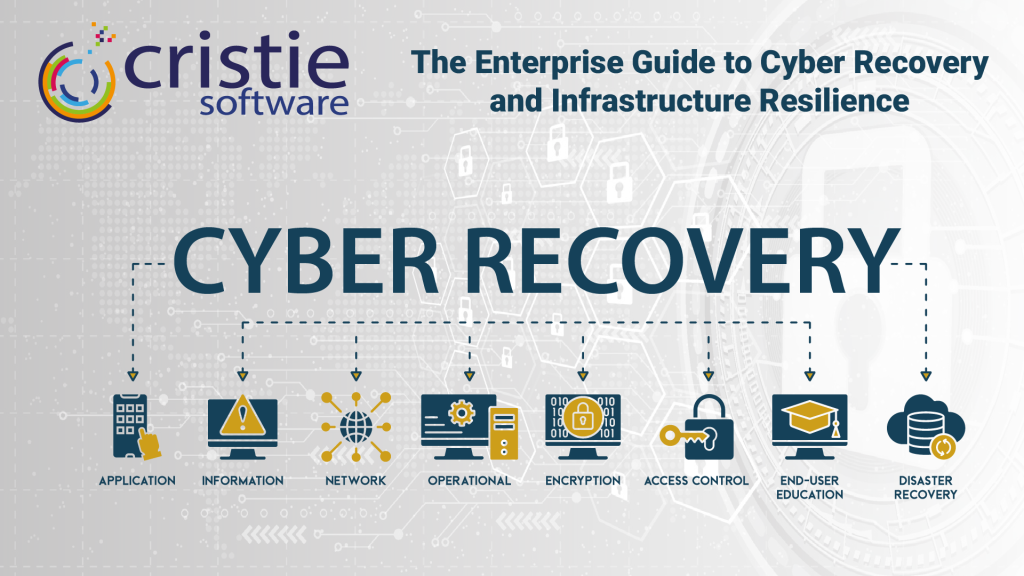
The Enterprise Guide to Cyber Recovery and Infrastructure Resilience | Cristie Software

The Enterprise Guide to Cyber Recovery and Infrastructure Resilience

Modern ransomware targets entire infrastructures, not just data. Traditional backups often fail because they don’t restore operating systems or configurations. This guide explores building a cyber-resilient strategy using automated system recovery and cleanroom environments to bridge the gap between backup and full operational restoration, ensuring rapid recovery after a sophisticated attack.

Read More »

Contact the Cristie Software team for more information

Whatever your replication and data recovery needs, we are here to help.

https://www.cristie.com/wp-content/uploads/2022/09/thub-logo1.png

Contact Us

https://www.cristie.com/wp-content/uploads/2022/09/thub-logo1.png

Thank you for contacting us. We have received your request.

https://www.cristie.com/wp-content/uploads/2019/06/gdpr_130px.png
Privacy Overview

This website uses cookies so that we can provide you with the best user experience possible. Cookie information is stored in your browser and performs functions such as recognising you when you return to our website and helping our team to understand which sections of the website you find most interesting and useful.