





Cristie Standalone System Recovery

Protect and Recover Complete Systems with Cristie CBMR

Standalone Backup and Bare Machine Recovery for Windows, Linux, AIX and Solaris

CBMR gives organisations a self-contained way to protect complete systems and recover them when servers fail, infrastructure changes or disaster strikes.

Capture the configuration needed to rebuild the machine, protect its operating system and data, then recover to the original system or suitable replacement infrastructure without rebuilding everything manually.

From system protection to complete recovery, CBMR provides a recovery path that does not depend on a separate enterprise backup platform.

Why Choose Cristie CBMR for Standalone System Recovery?

CBMR combines the information required to reconstruct a machine with the backup data needed to restore it, providing a defined route from system loss to a working operating environment.

  • Protect the Complete System

    Protect the operating system, applications, configuration and selected data required to bring a machine back into service.

  • Recover Beyond the Original Machine

    Restore systems when the original server is no longer available, with recovery capabilities designed to accommodate replacement infrastructure.

  • Adapt the Target During Recovery

    Adjust storage, hardware and network configuration where supported so that the recovered system can operate in its new environment.

  • Choose Where Your Recovery Data Lives

    Use CBMR's own backup capabilities with supported storage destinations rather than making system recovery dependent on a separate enterprise backup product.

  • Make Recovery Repeatable

    Capture the configuration required for recovery and use a defined recovery environment and workflow instead of manually reconstructing the failed machine.

CBMR brings backup, machine configuration and system recovery together in one Cristie solution.

Use CBMR as a standalone backup and system recovery solution, or connect it to Cristie Recovery Hub when you need centralised recovery management, automation and orchestration across a larger environment.

From Protected Machine to Working System

CBMR protects more than files. It preserves the information needed to reconstruct the systems that those files belong to.

Before disaster strikes, CBMR records system configuration and creates the DR backup required for recovery. This provides the recovery process with information about the machine’s storage, operating environment and network configuration alongside the protected system data.

If recovery is required, the target is started in a Cristie recovery environment. CBMR can then reconstruct the required disk structure, restore the operating system and bring the recovered machine towards a bootable state.

The result is a standalone recovery process designed around rebuilding the complete machine rather than restoring its files in isolation.

Take Standalone Recovery from Individual Systems to Enterprise Scale

Start with CBMR for system backup and recovery. Add Recovery Hub when recovery needs to be centrally managed, automated and coordinated across a larger environment.

Capability
CBMR Standalone
CBMR + Recovery Hub
Standalone system protection
✅
✅
Complete system recovery
✅
✅
Windows system recovery
✅
✅
Linux system recovery
✅
✅
AIX system recovery
✅
✅
Solaris system recovery
✅
Recovery configuration capture
✅
✅
Bootable recovery environments
✅
✅
Recovery to replacement infrastructure
✅
✅
Dissimilar hardware recovery
✅
✅
Flexible disk & storage configuration
✅
✅
Post-recovery network configuration
✅
✅
File-based backup options
✅
✅
Tape backup options
✅
✅
IBM Storage Protect integration
✅
✅
Windows driver insertion
✅
✅
Windows WinPE recovery environment
✅
✅
Linux UEFI & legacy BIOS recovery
✅
✅
AIX bootable recovery environment
✅
✅
Solaris SPARC & Intel recovery
✅
✅
Centralised recovery management
➖
✅
Automated recovery workflows
➖
✅
Multi-system recovery orchestration
➖
✅
Enterprise-scale recovery management
➖
✅
Scheduled recovery operations
➖
✅
Garantía de recuperación continua
➖
✅
Cleanroom recovery testing
➖
✅
Detección avanzada de anomalías
➖
✅

What CBMR Adds to Your Recovery Strategy

  • Reduce the Work Between Failure and Recovery

    Replace a manual server rebuild with a defined recovery process that restores the system structure, operating environment and protected data needed to return the machine to service.

  • Recover When the Original Server Is Gone

    Give recovery teams options beyond rebuilding identical hardware, helping them use suitable physical, virtual or other replacement resources when supported.

  • Keep System Recovery Self-Contained

    Protect systems directly with Cristie rather than requiring a separate third-party enterprise backup platform as the foundation for complete system recovery.

  • Scale Recovery When Requirements Grow

    Start with CBMR for individual system protection and recovery, then introduce Recovery Hub when teams need centralised control, automation, recovery testing and multi-system orchestration.

Cristie CBMR Standalone System Recovery – Frequently Asked Questions

Cristie Bare Machine Recovery (CBMR) is a standalone backup and system recovery solution designed to protect and recover complete machines. It combines DR backup data with system configuration information so the operating environment can be reconstructed following system loss.

CBMR is available for Windows, Linux, AIX and Solaris. Exact operating system versions, architectures and other compatibility requirements vary by platform, so current deployments should always be checked against the Cristie Product Support Matrix.

No. CBMR has its own backup capabilities and can operate as a standalone solution. Supported backup destinations vary by platform. Some editions can also work with IBM Storage Protect where organisations want to use it as part of the recovery workflow. Linux, for example, supports file, tape and IBM Storage Protect backup locations.

Yes, CBMR is designed to support recovery where the target environment differs from the original system, subject to the capabilities and requirements of the operating system being recovered. The Linux documentation explicitly supports recovery to the same or dissimilar hardware.

CBMR records configuration information required to reconstruct the protected machine. Depending on platform, this includes information such as disks, storage structure and network configuration. This configuration is used alongside the DR backup during recovery.

CBMR provides platform-specific options for adapting the recovered system to its target environment, including disk/storage and network configuration. The exact options differ between Windows, Linux, AIX and Solaris, so they should be presented as platform-specific capabilities rather than identical functionality across every operating system.

No. CBMR can operate as a standalone system backup and recovery solution. Cristie Recovery Hub can be added where organisations require centralised management, recovery automation, orchestration and recovery assurance across multiple systems.

Build Complete System Recovery into Your Protection Strategy

Protect Windows, Linux, AIX and Solaris systems with Cristie CBMR and give your recovery team a defined path from system loss to a working machine.

El blog de Cristie Software

Cristie Virtual Appliance Release 5.3.1 | Cristie Software

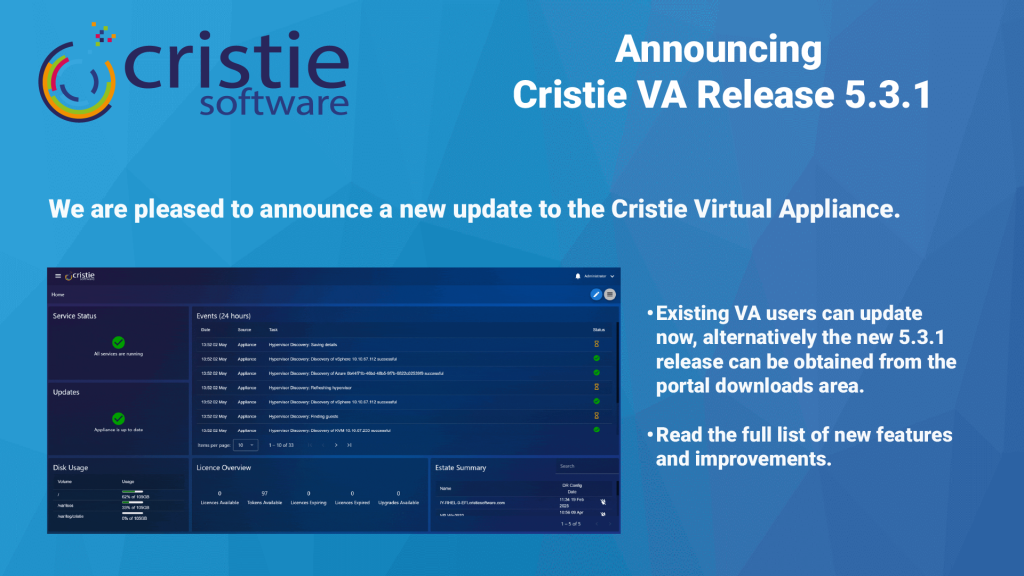
Cristie VA 5.3.1 What’s New

Here’s an update on what’s new for the Cristie Virtual Appliance. The 5.3.1 release includes lots of new functionality including Continuous Recovery Assurance for Rubrik VM snapshots.

Leer Más "
What Is Cleanroom Recovery? Why It’s Essential After Ransomware | Cristie Software

What Is Cleanroom Recovery? Why It’s Essential After Ransomware

Cleanroom recovery is becoming essential in the fight against ransomware. By restoring systems in an isolated environment, organizations can validate integrity, eliminate hidden threats, and prevent reinfection. This approach ensures secure, reliable recovery of infrastructure, helping businesses minimise downtime and strengthen cyber resilience after sophisticated cyberattacks.

Leer Más "
The Enterprise Guide to Cyber Recovery and Infrastructure Resilience | Cristie Software

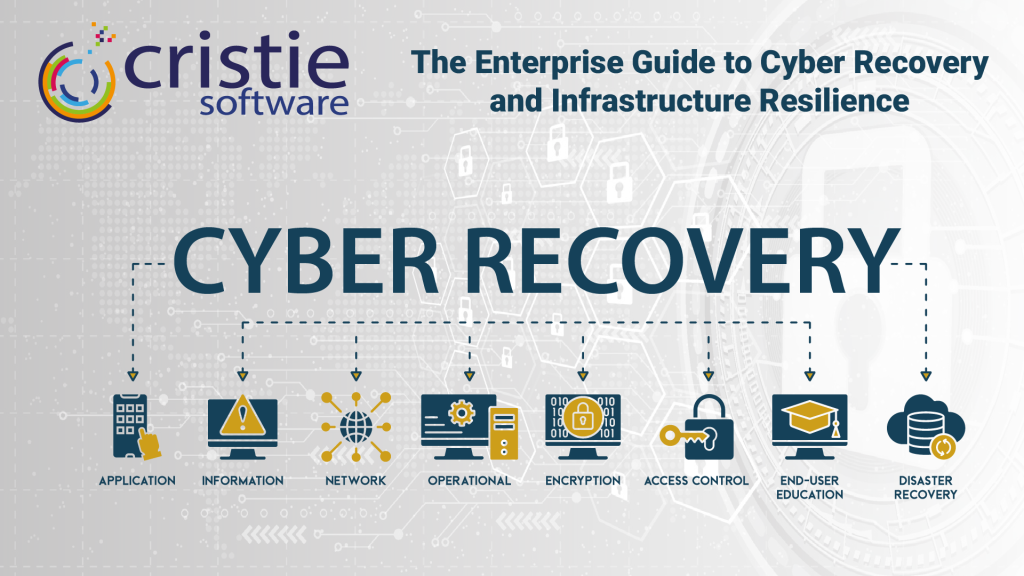
The Enterprise Guide to Cyber Recovery and Infrastructure Resilience

Modern ransomware targets entire infrastructures, not just data. Traditional backups often fail because they don’t restore operating systems or configurations. This guide explores building a cyber-resilient strategy using automated system recovery and cleanroom environments to bridge the gap between backup and full operational restoration, ensuring rapid recovery after a sophisticated attack.

Leer Más "

Si desea más información, póngase en contacto con el equipo de Cristie Software

Sean cuales sean sus necesidades de replicación y recuperación de datos, estamos aquí para ayudarle.

https://www.cristie.com/wp-content/uploads/2022/09/thub-logo1.png

Gracias por ponerse en contacto con nosotros. Hemos recibido su solicitud.

https://www.cristie.com/wp-content/uploads/2022/09/thub-logo1.png

Póngase en contacto con nosotros

https://www.cristie.com/wp-content/uploads/2019/06/gdpr_130px.png
Protección de datos

Este sitio web utiliza cookies para que podamos ofrecerle la mejor experiencia de usuario posible. La información de las cookies se almacena en su navegador y realiza funciones como reconocerle cuando vuelve a nuestro sitio web y ayudar a nuestro equipo a comprender qué secciones del sitio web le resultan más interesantes y útiles.